

Salesforce
To integrate Salesforce CRM Connector, below details are to be configured:- User Name
- Password
- Security Token
- Environment URL
Steps to Configuration
- Navigate to Data > Dataflows and click on + Add Dataflow

- Under Select Dataflow name, mention the connector name.
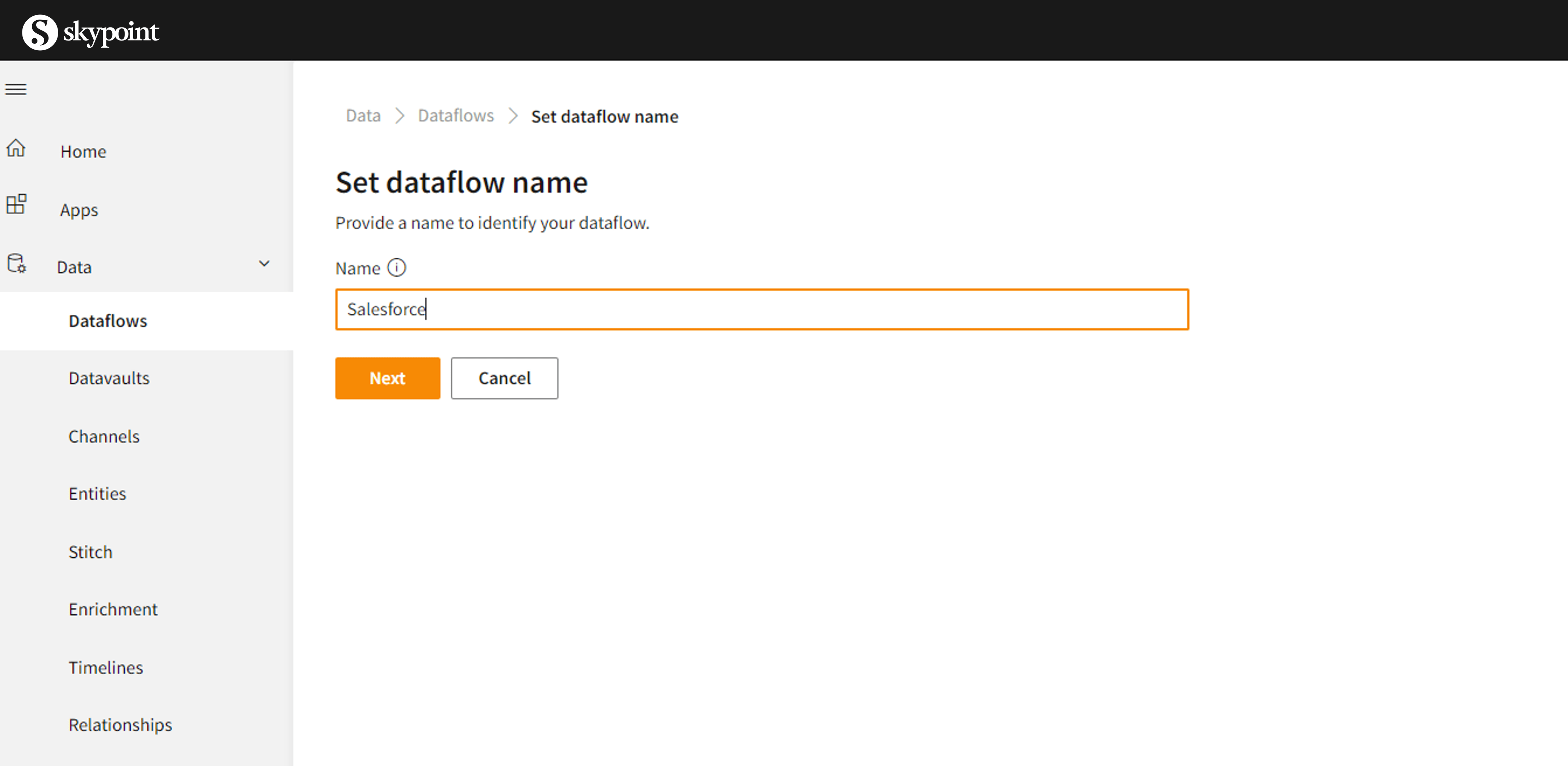
- From Choose Connector, click the connector name Salesforce.
 You will be directed to configuration set up as below.
- Under General, below the Dataflow Name, enter the name of the connector and mention the description about the connector (optional) and click on Save.

- Click on Connector, which is right next to General. Under Configuration, mention the details as required.
- User Name
- Security Token
- Password
- Environment URL and Click on connect

- Once its completed, you will be able to see the imported entities from the Salesforce connector.
The following properties are supported for the Salesforce connector service
-
Environment URL specify the URL of the Salesforce instance.
- Default is “https://login.salesforce.com”.
- To copy data from sandbox, specify “https://test.salesforce.com”.
- To copy data from custom domain, specify, for example, “https://[domain].my.salesforce.com”.
- Username specify a username for the user account.
- Password specify a password for the user account.
-
Security Token specify a security token for the user account.
- Note : Salesforce account password expires after every 90 days, along with that new security token is generated and mailed.